Step 1: Setup the Onehouse project
Sign up
Sign up at cloud.onehouse.ai/signup.
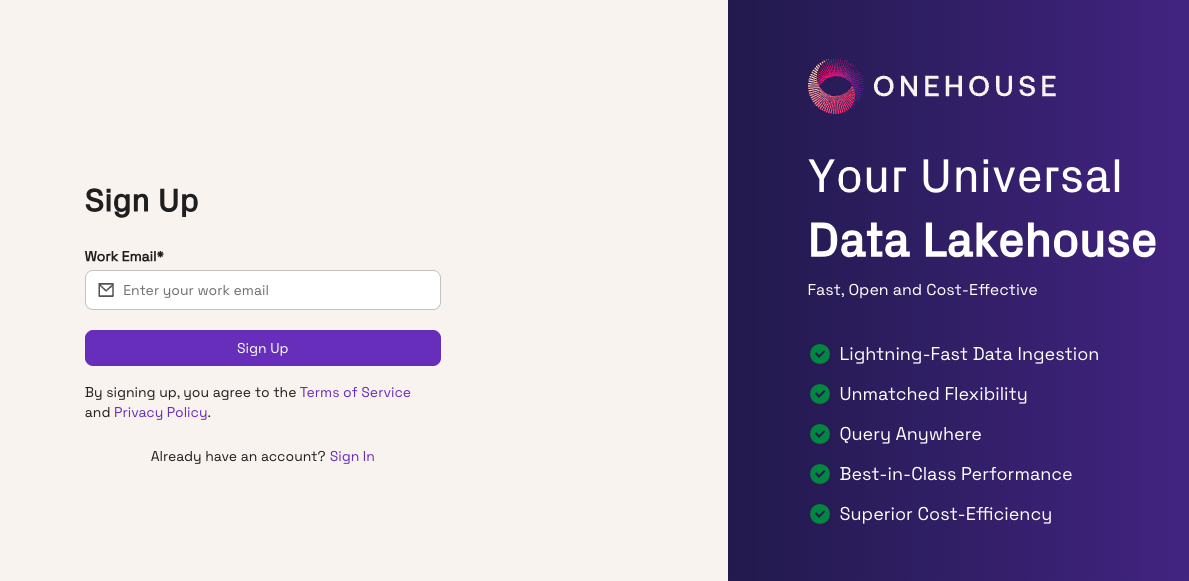
Once your account is provisioned, log in to the Onehouse console. Contact Onehouse if your organization doesn't have Quanton access enabled yet.
Create a project
In the console, navigate to your organization and click New Project. Pick a name, cloud provider, and region, then complete the wizard. This provisions the project and generates the credentials we'll use to install the operator.
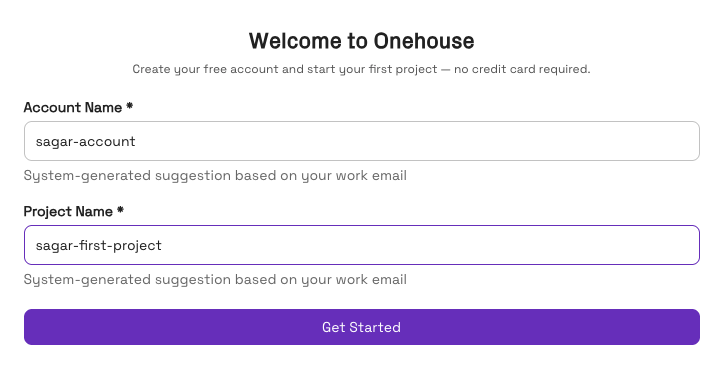
Download the Helm chart values
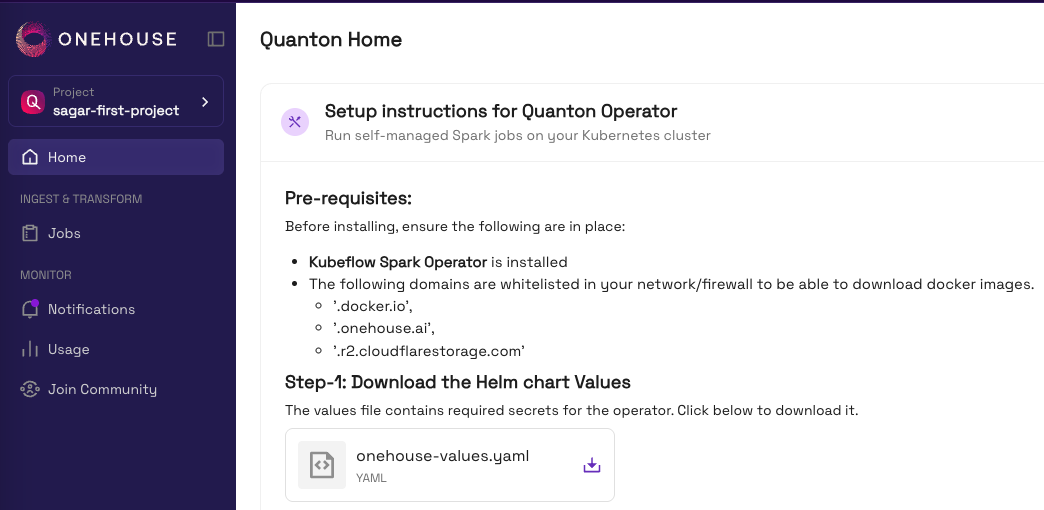
The Quanton Operator is configured via a Helm values file Onehouse generates for your project — it contains your project credentials, control plane endpoints, mTLS certificates, and the Quanton image pull token.
From your project's homepage in the console, click Download to get onehouse-values.yaml. Save it somewhere durable (not /tmp).
⚠️ Don't commit this file — it contains credentials.